 Portside
Community game ports, organized
Every great game port, one launcher.
Install, update and play community ports of classic games on Windows, macOS, Linux and Android. Bring your own game files.
Alpha 0.1.2 · October 15, 2026 · Other systems and files
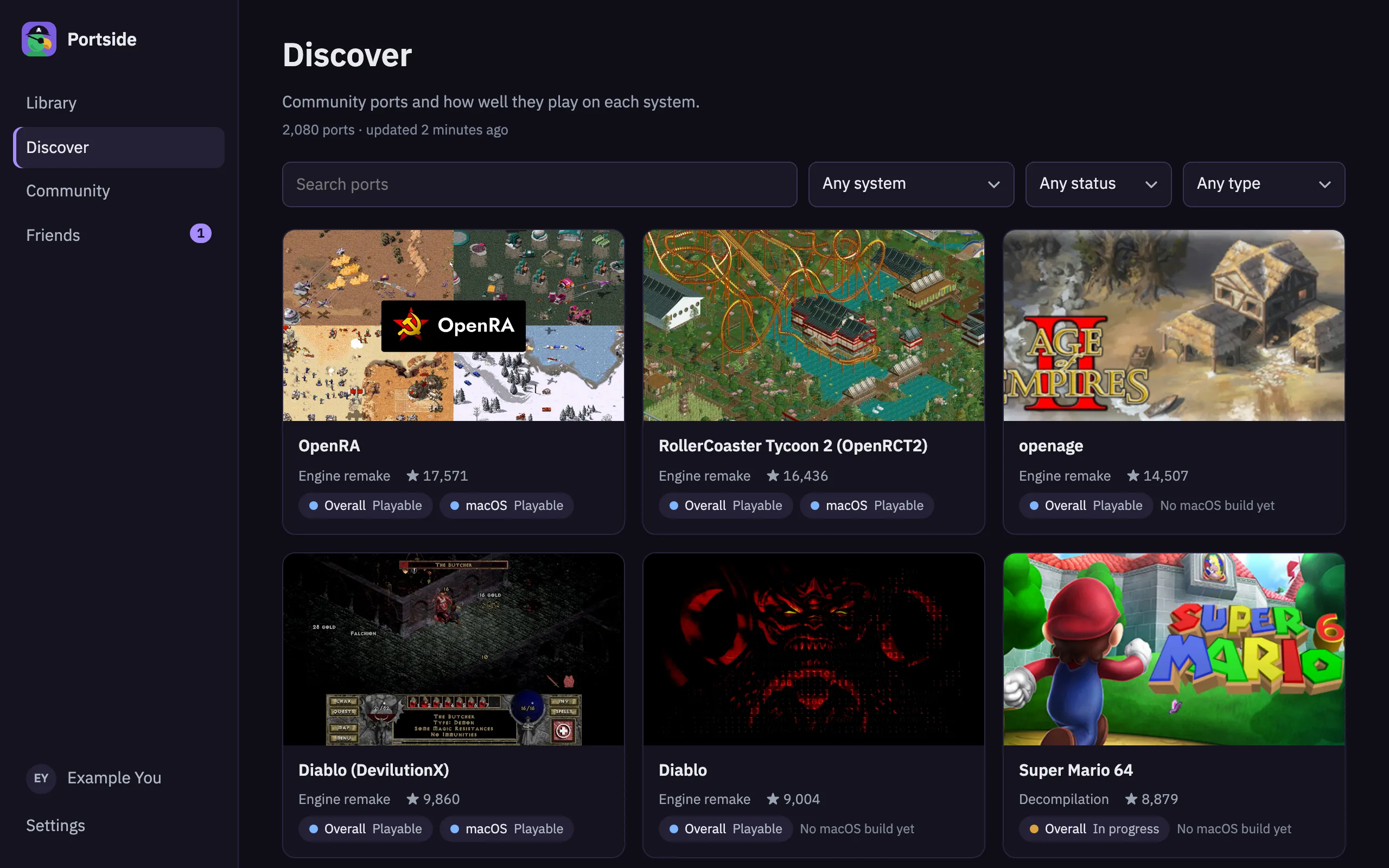
What you get
-
One-click install & updates
Builds come straight from each project's own GitHub releases, checked and kept current.
-
Playable status per OS
See at a glance whether a port is perfect, playable or still in progress on your system.
-
Cloud saves you own
Save sync through a folder your own iCloud Drive, Dropbox, OneDrive or Google Drive keeps in step.
-
Sign in with Bluesky
Use any AT Protocol account. Your profile, library and reviews stay portable.
-
Discussion boards & chat
A board for every game, plus friends, DMs and invites to play together.
-
Steam Deck ready
Couch mode with large tiles and full gamepad navigation.
A look inside
Games, stars, statuses, releases and pictures are from the live catalog; game pictures come from the awesome-decomp-games list and the ports' own GitHub pages. The people and conversations are examples.
-
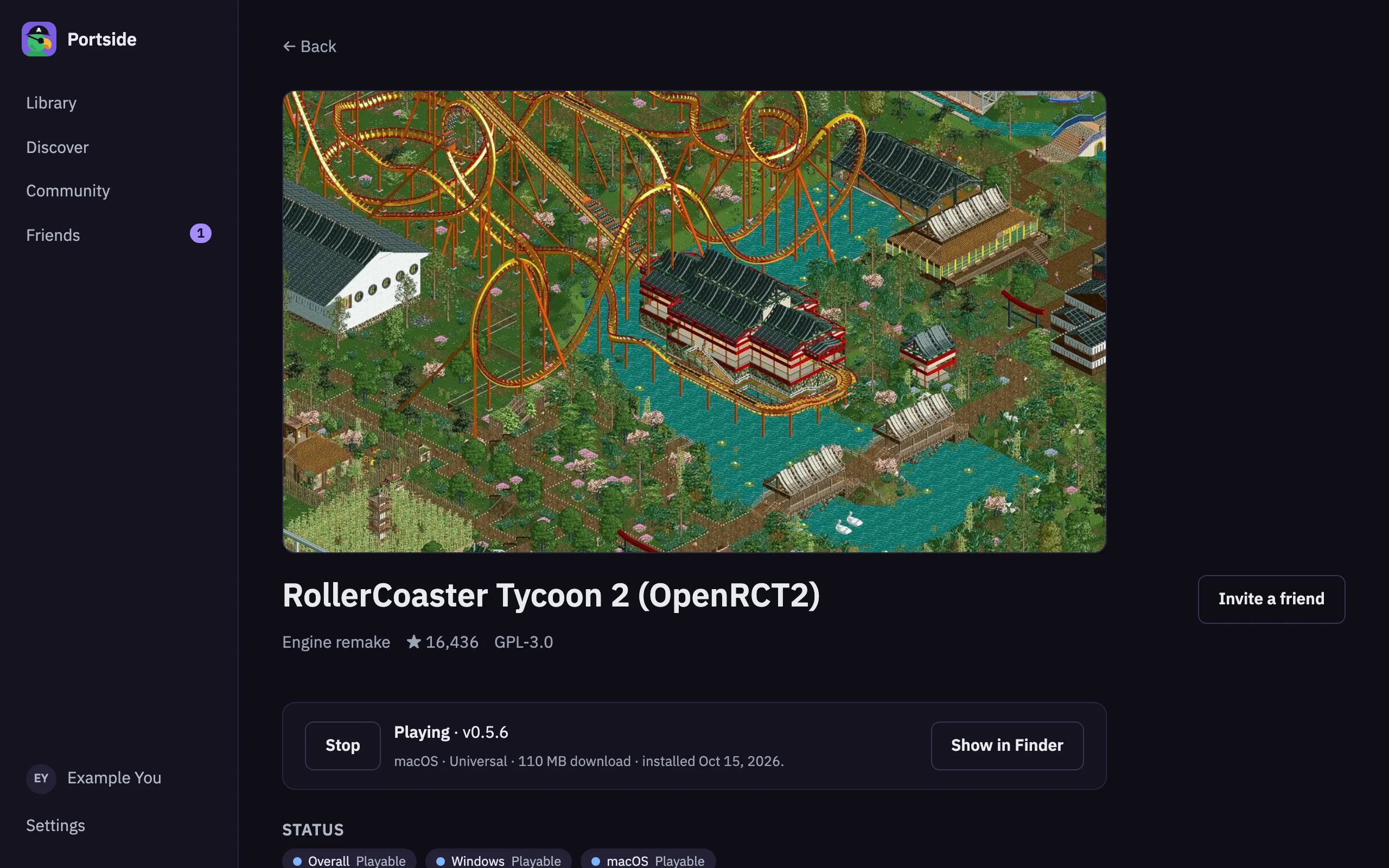
Install and play in one click
Each game page shows how well it runs on your system and installs the latest release.
-
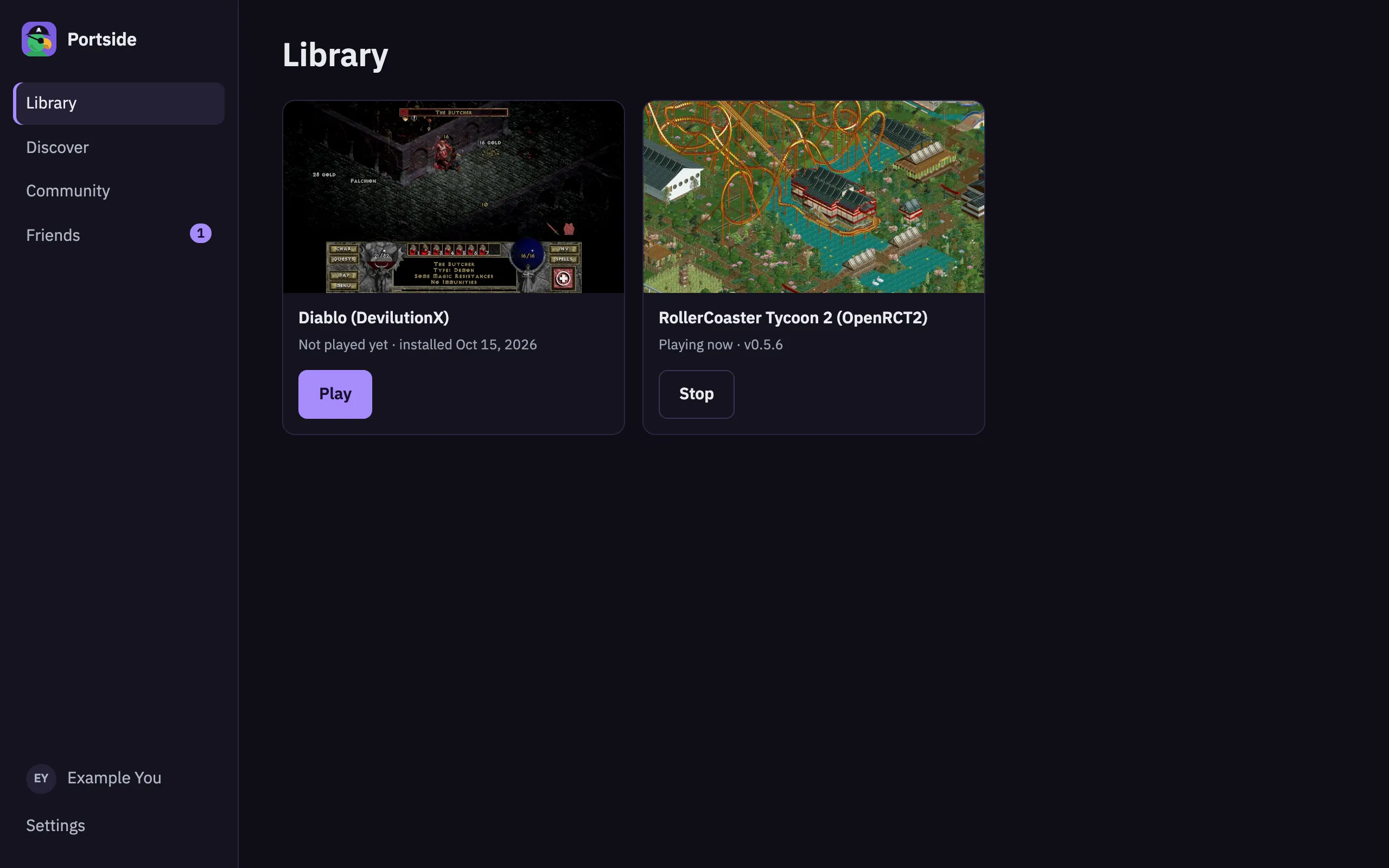
Your library
Everything you've installed, with play time and a Play button.
-
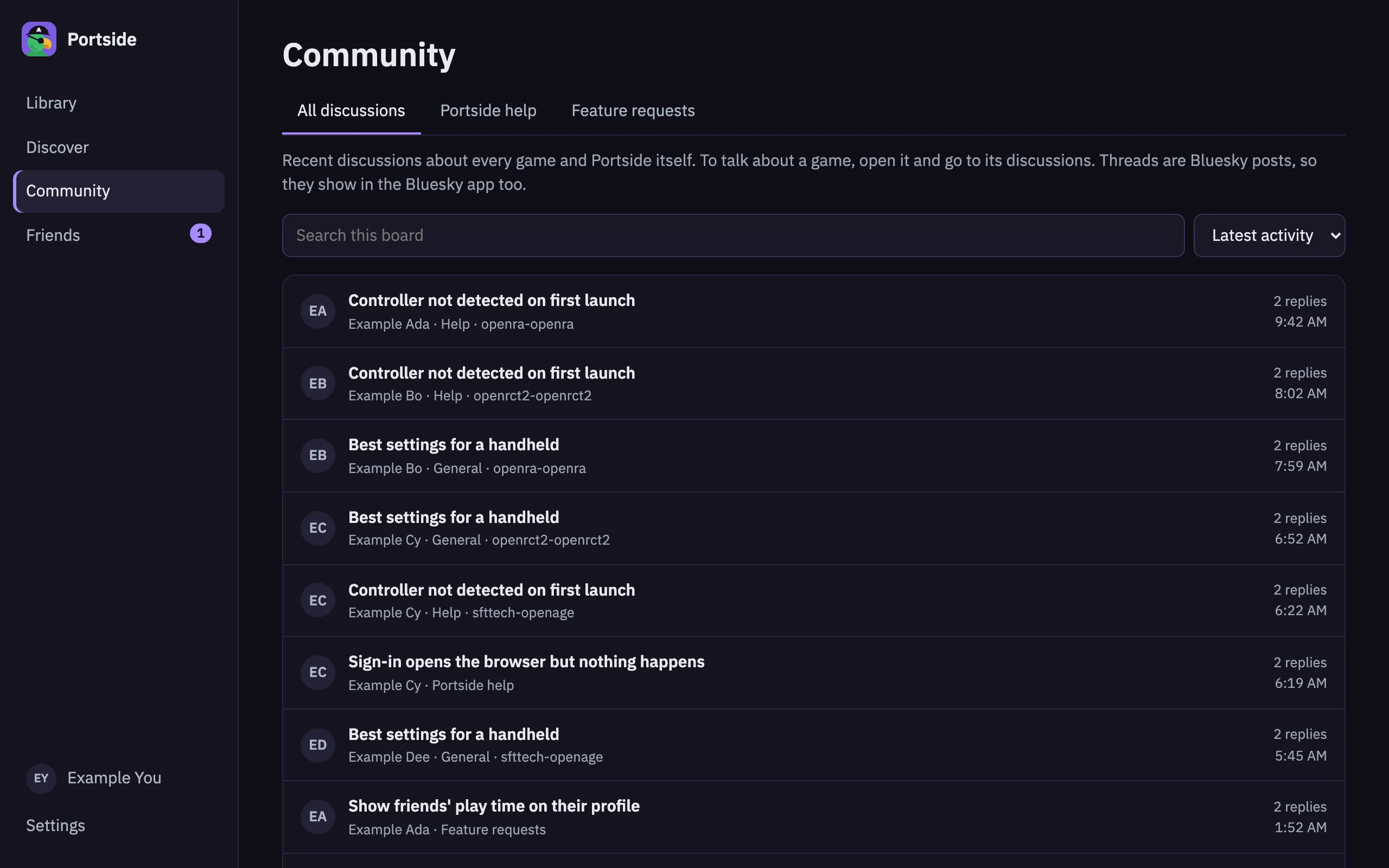
Discussions for every game
Ask for help, report bugs and share mods. Threads are Bluesky posts.
-
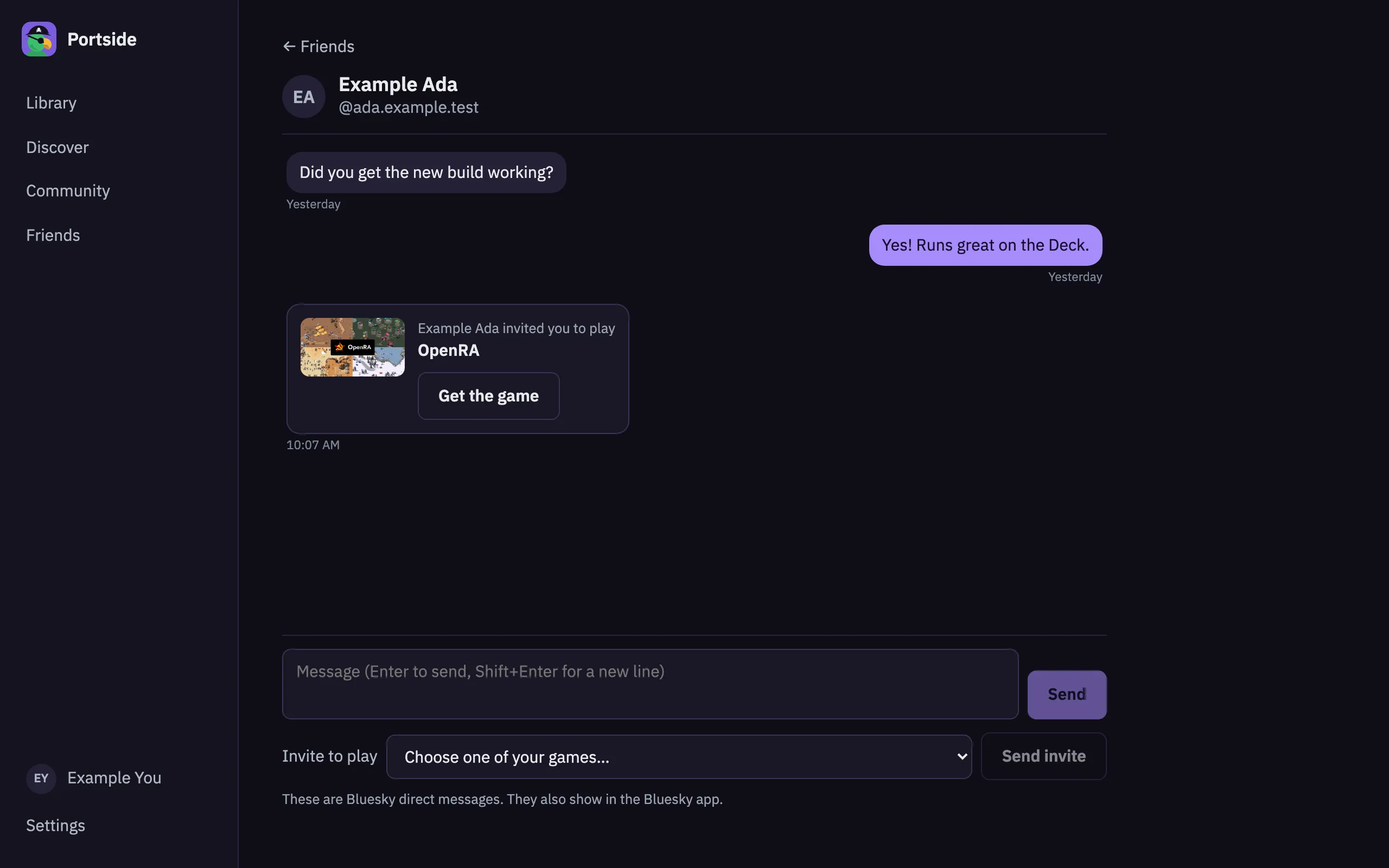
Friends and invites
Message friends over Bluesky and invite them to play.
Download
macOS
The alpha isn't signed yet. Open Portside once, close the warning, then choose Open Anyway in System Settings → Privacy & Security.
Windows
The alpha isn't signed yet. If SmartScreen warns about an unknown publisher, choose More info → Run anyway.
Linux
- AppImageAny distribution, Steam Deck · 89.1 MB
- Debian package (.deb)Debian, Ubuntu, Mint · 11.6 MB
- RPM package (.rpm)Fedora, openSUSE · 11.6 MB
Make the AppImage executable (chmod +x) and run it, or install the .deb or .rpm.
Windows, macOS and Linux (Steam Deck included); Android comes later. Source code and every release are on GitHub.
How it works
-
Find a port
Browse community ports by game, status and platform.
-
Add your game files
They're checked on your device and never uploaded.
-
Play
Portside installs the build and launches it for you.
-
Your saves follow you
Pick up on another device where you left off.
Built on the community's work
Portside lists projects built by their own teams. The catalog starts from awesome-decomp-games, and every listing links back to the port's maintainers and source. Portside never hosts or links to ROMs or game assets.